Studio guide
What each tool in the studio does, and the usual way from an idea to a file in your engine.
#The basic workflow
The studio runs in your browser. Its rail on the left holds the tools; the stage in the middle shows the open model, and every change to it is a new version you can undo. Only the steps that make something new cost credits, and each such button says how many; browsing, animating and exporting are free and need no account.
- 3DType what you want, or drop a picture. Pick a picture, then make its model.
- RigFor a model of your own: repair it, and rig it if it should move.
- AnimateChoose clips for a character and play them.
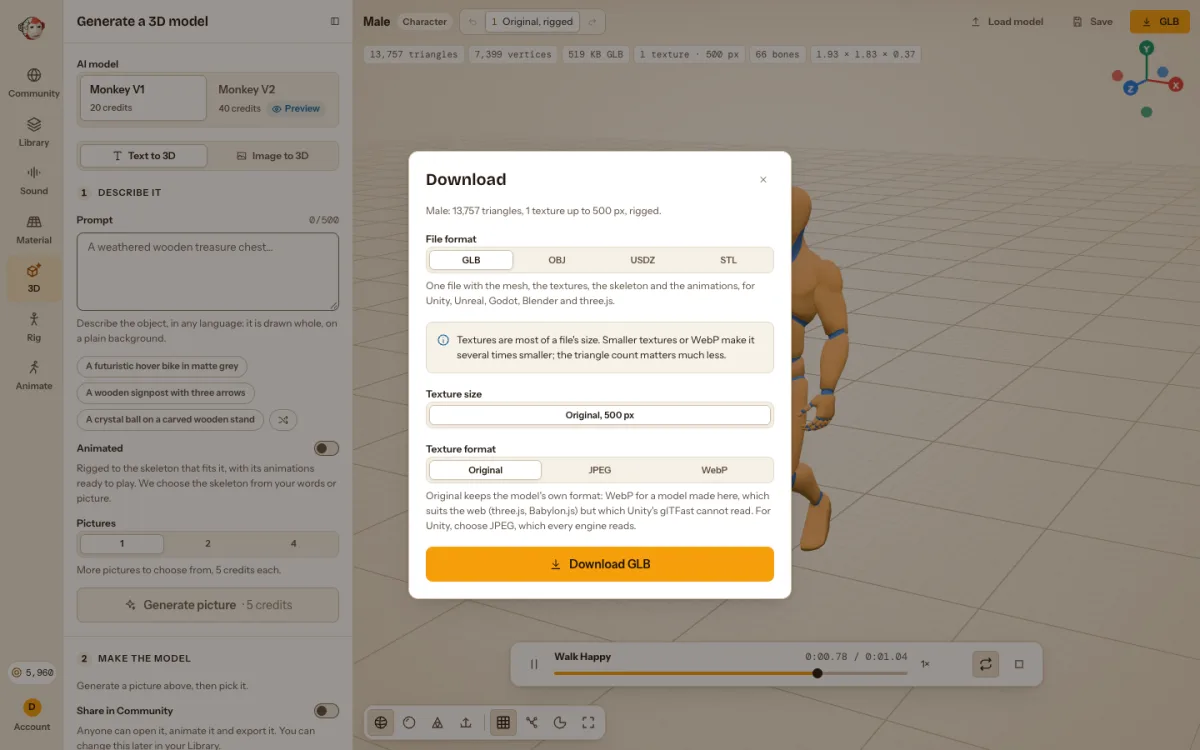
- ExportDownload a GLB, OBJ, USDZ or STL for your engine.
#The tools
#Community
Free models to start from, with no account: models people made here and shared, and Poly Haven's free models.
Open one and it lands on the stage, ready for the other tools.
Open Community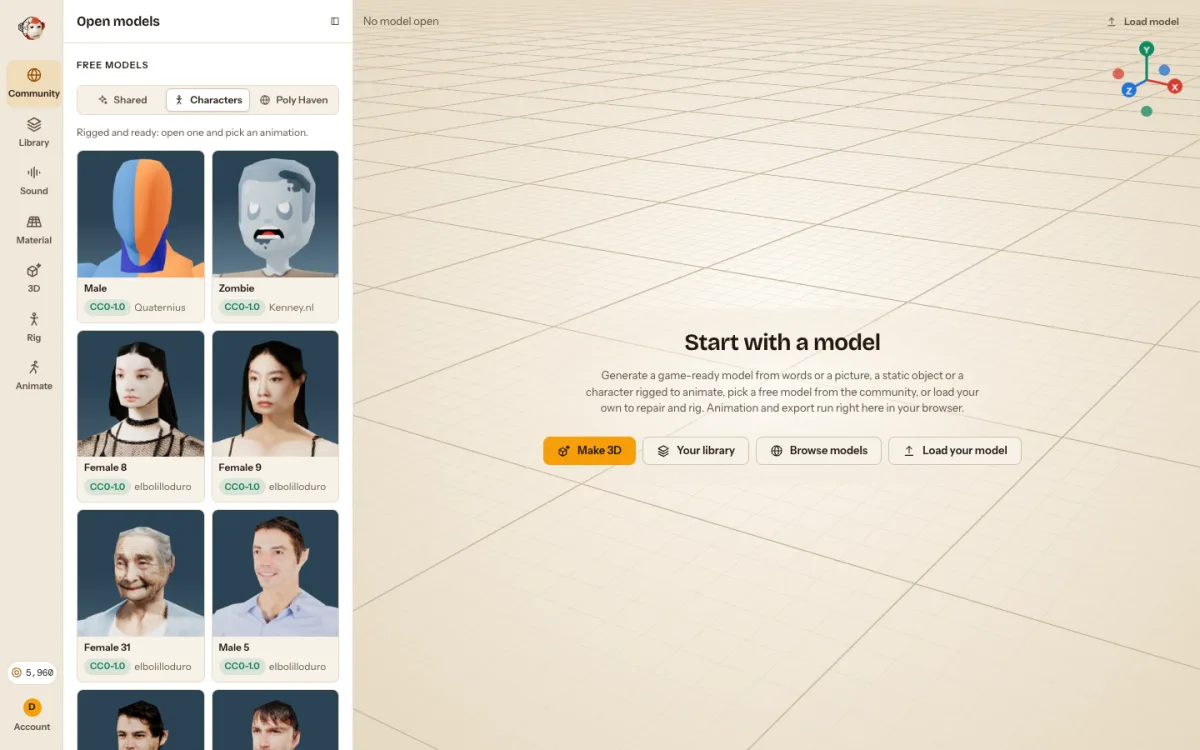
#Library
Everything you made, on four shelves: Images, Models, Sound and Materials. Models you saved on this device are there too.
Open a model on the stage, make a model from a picture, download a sound or a material's files, share a model in Community on a paid plan, or delete anything (it asks first).
Open Library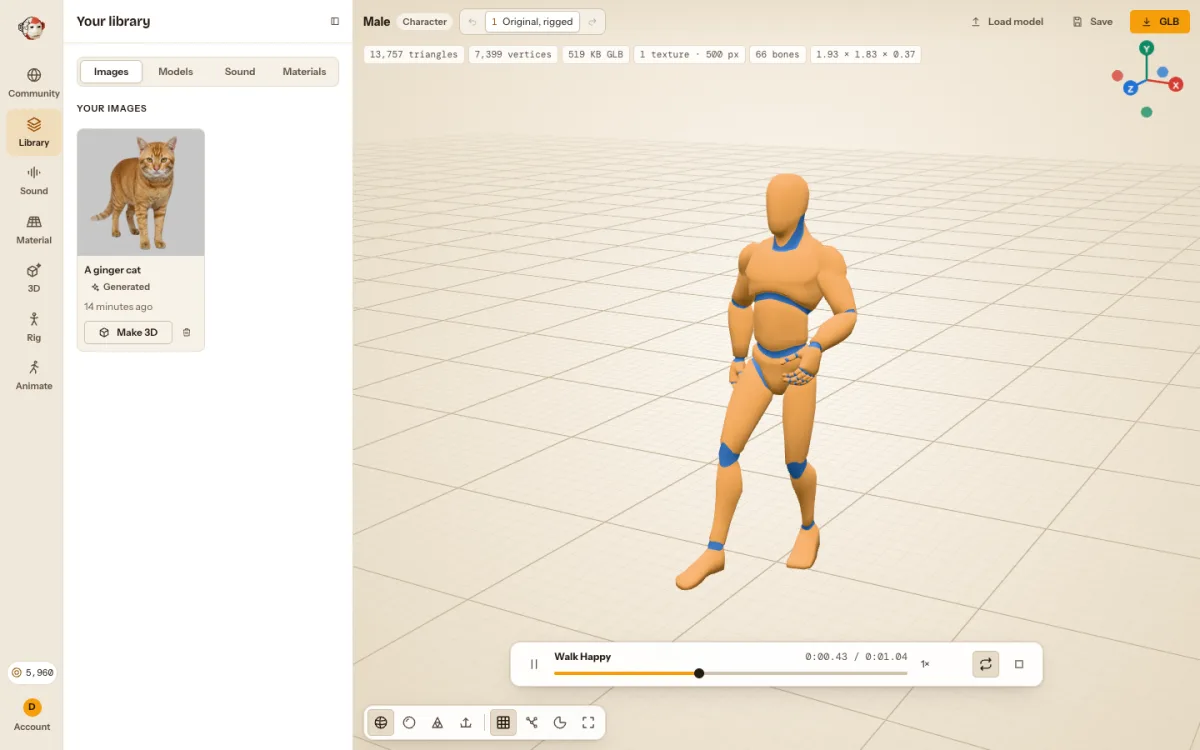
#Sound
Sound effects, music and voice from a few words. Effects and speech cost by their length, a track the same at any length; the button says what it costs before you press it.
Each sound is drawn as a waveform you can play, scrub and download as MP3.
Open Sound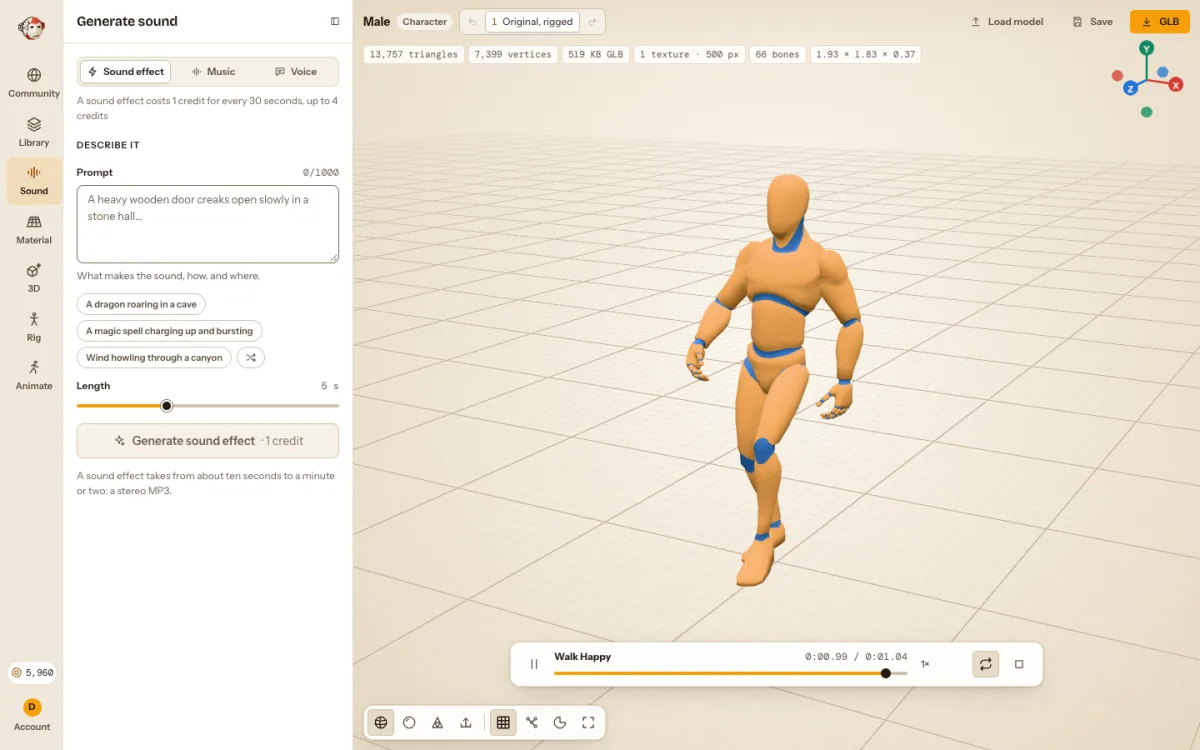
#Material
A seamless material for any flat, tileable surface (floors, walls, roofs, metal, wood, fabric) from a few words, at 1K, 2K or 4K.
It shows on a slab you can turn, tile and light. Each size downloads as a zip of its maps and as a GLB, with the tile's real size in metres.
Open Material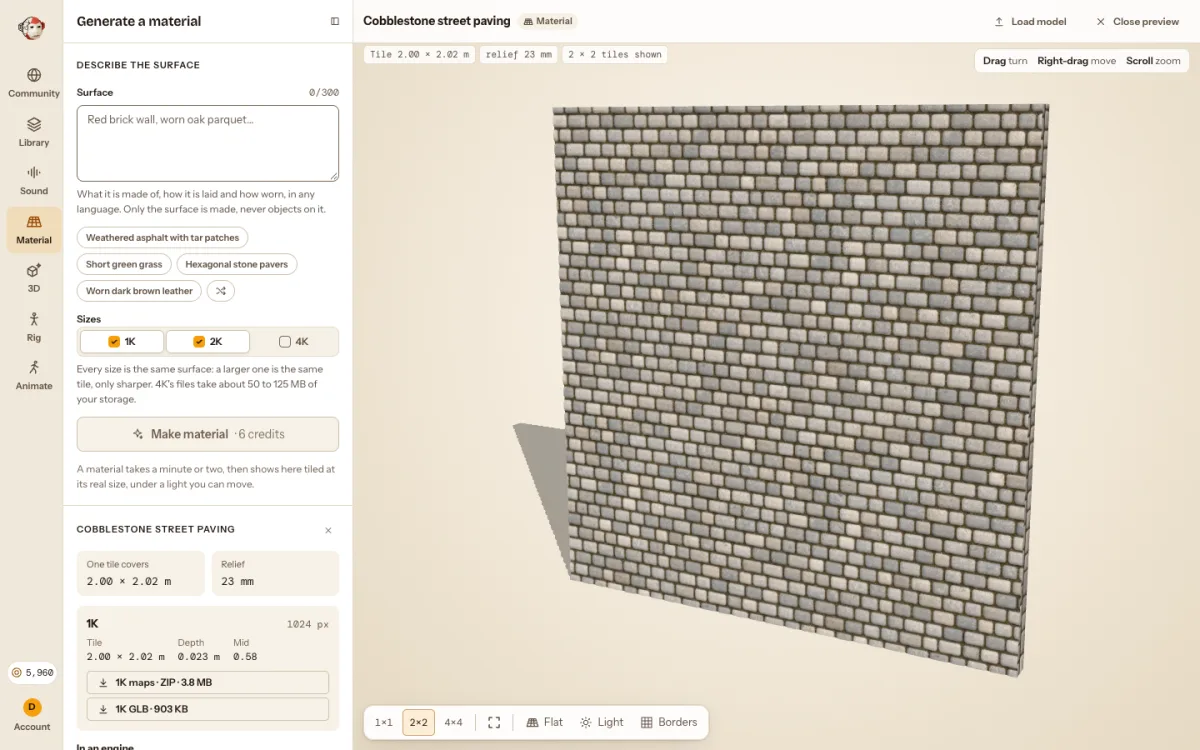
#3D
Makes a game-ready model from words or from a picture of yours. Words become pictures first: pick the one you like, then make its model. Your own picture is drawn again for 3D, then modelled.
Tick Animated for a character: it comes rigged to the skeleton that fits its body, ready for Animate. Monkey V1 or V2 chooses how the model is generated.
Open 3D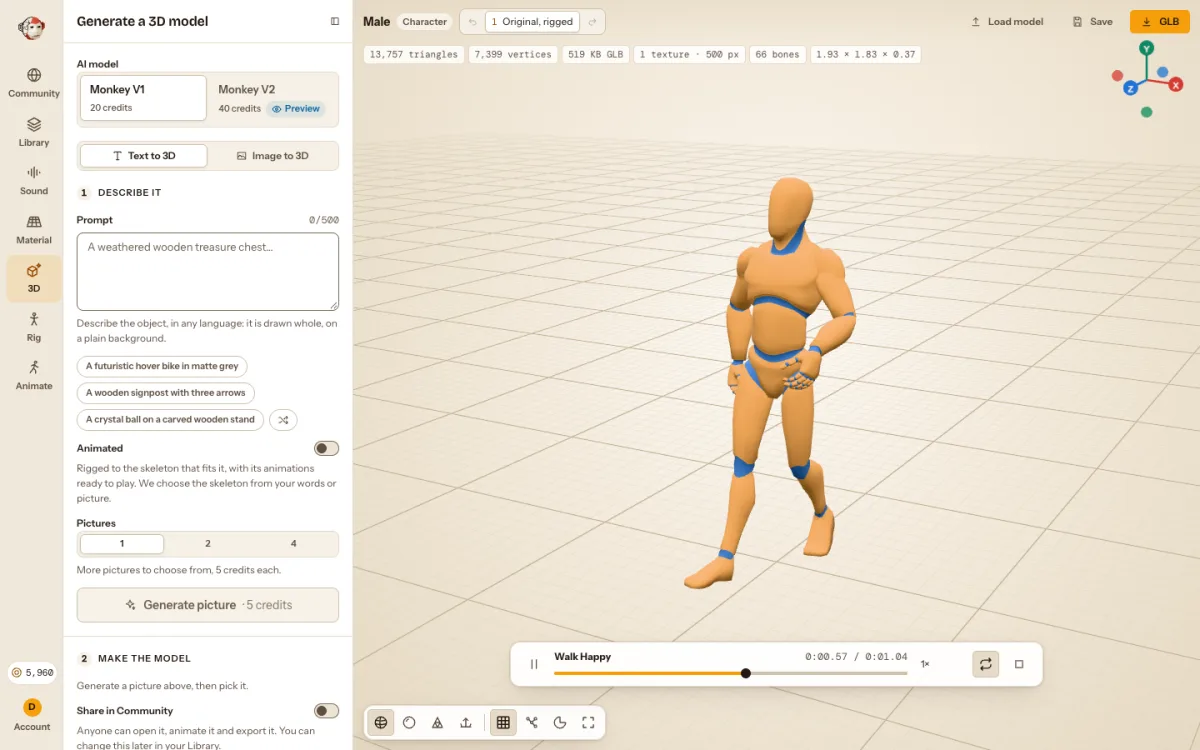
#Rig
Shows the open model's skeleton and skin weights, and takes models of your own: load a GLB, glTF, FBX or OBJ, see what is wrong with its mesh, then Repair + rig it or Repair only.
The result is added as a new version, so the original is one undo away.
Open Rig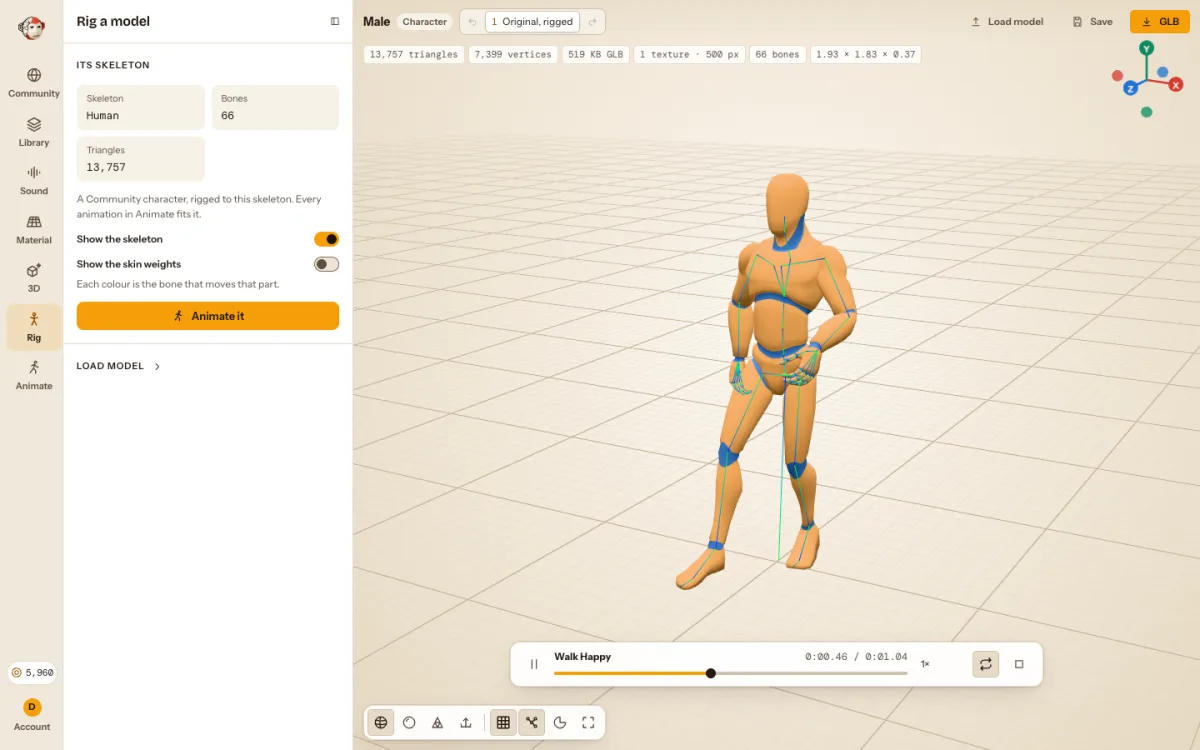
#Animate
Plays the clip library (walks, runs, idles, attacks, dances) on a rigged model, free and in your browser. Pick clips, play them on the timeline, and keep the ones to export.
A model without a skeleton gets a note pointing to Rig, 3D with Animated ticked, or Community.
Open Animate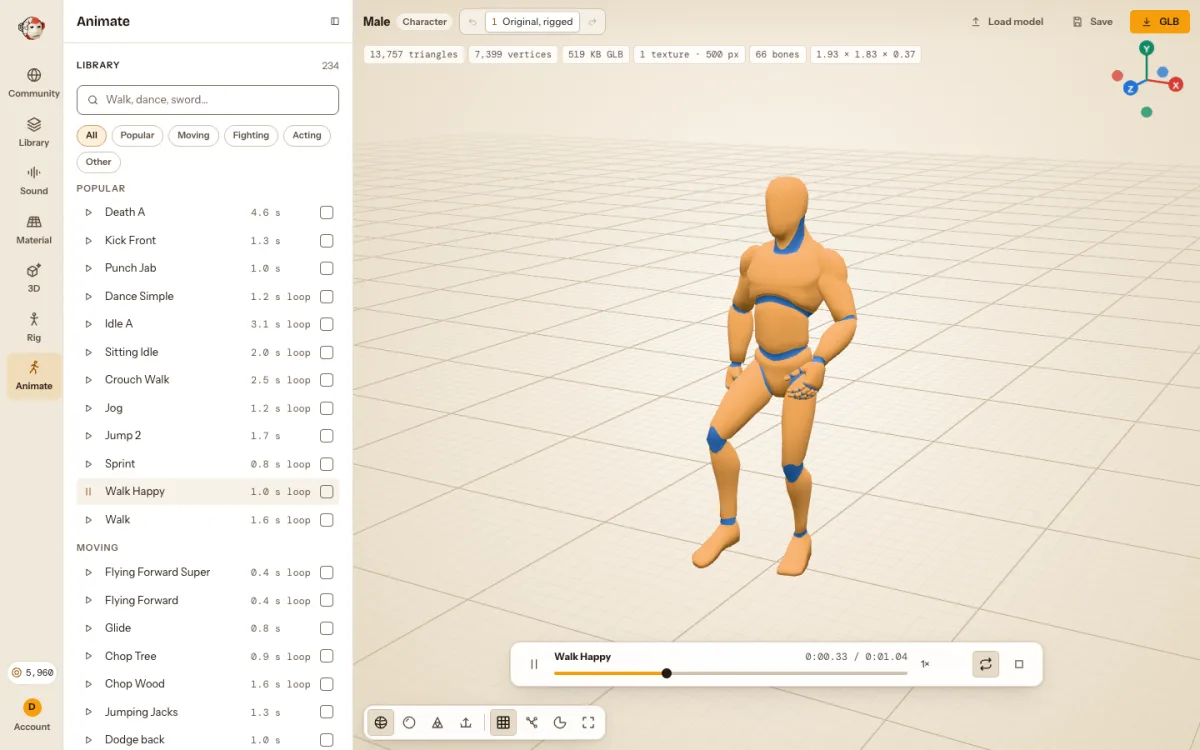
#Export and Save
Export, on the stage's bar, writes the model as GLB (with its skeleton and chosen clips), OBJ, USDZ or STL, at the texture size and format you choose. For Unity, choose JPEG textures.
Save keeps the current version in this browser's Library; every step is a version you can undo.
Open the studio